


Jotform to Cerbo Patient Encounters
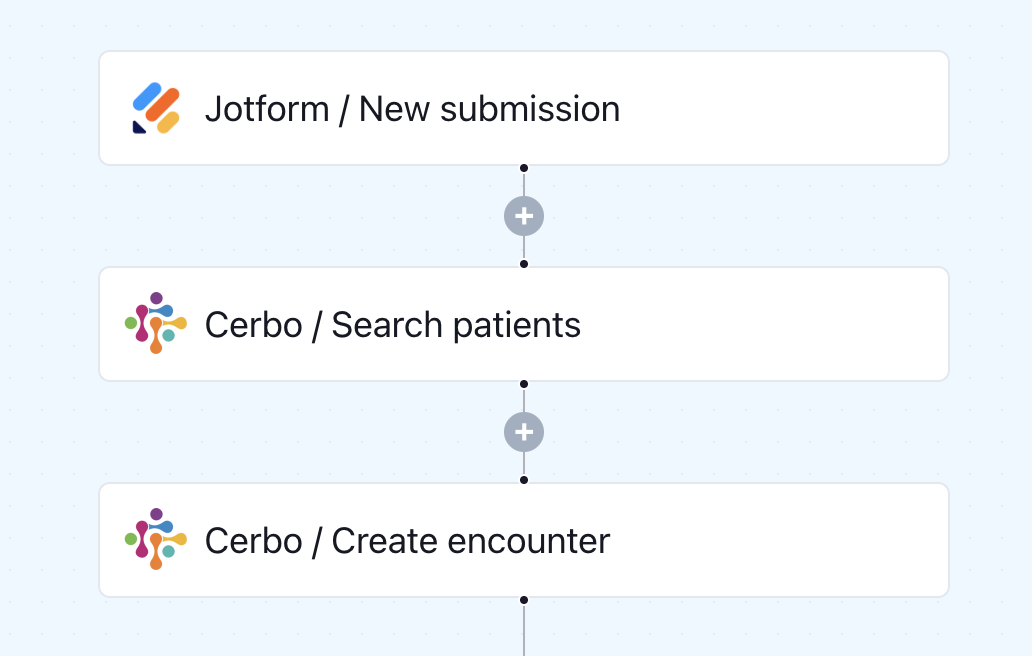
When a patient submits a Jotform, this workflow searches for their record in Cerbo and automatically creates a new encounter - streamlining documentation from the start.
Click to expand
How the automation runs
- A patient submits your Jotform form (intake, pre-visit, or health history)
- Keragon searches Cerbo for the matching patient record
- Once the patient is identified, a new encounter is automatically created in Cerbo
- The encounter is populated with the relevant data from the form submission
- Your care team sees the encounter in Cerbo — ready to review, with no re-entry needed
Is this for you ?
- You use Jotform to collect pre-visit or intake data and Cerbo as your EHR
- Your staff is manually creating encounters in Cerbo after every form submission
- You want patient-submitted data to flow directly into clinical documentation
- You're a functional or integrative medicine practice looking to speed up visit prep



More templates by
Keragon
More
Patient Intake
templates
Related templates































FAQ
No items found.