


Jotform to IntakeQ Patient Intake Sync
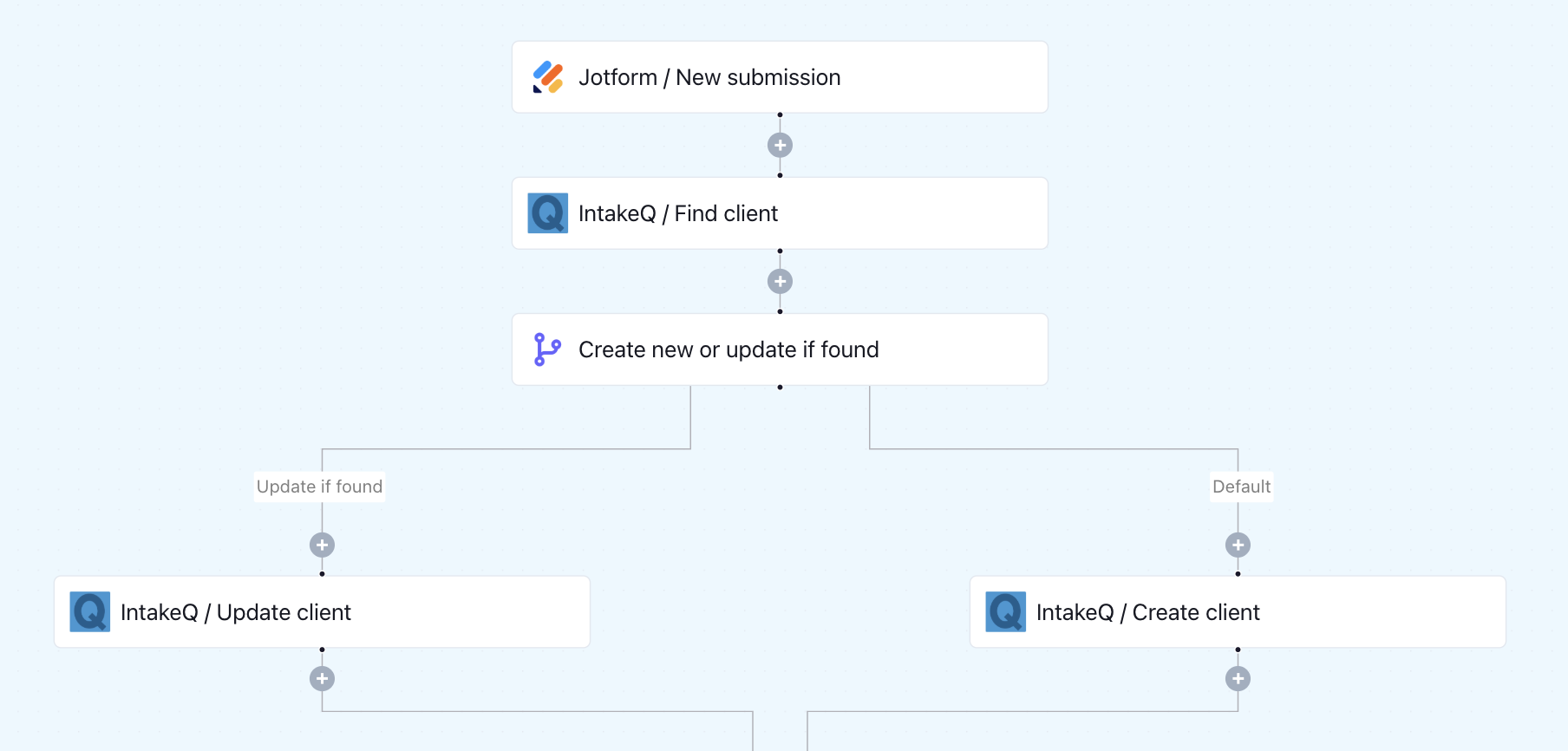
When a patient submits a Jotform, this workflow checks if they already exist in IntakeQ. It updates existing records or creates a new one - no manual data entry needed.
Click to expand
How the automation runs
- A patient submits your Jotform intake form
- Keragon searches IntakeQ for a matching patient record
- If the patient is found, their IntakeQ profile is updated with the new information
- If no match exists, a new patient record is created in IntakeQ
- The workflow runs instantly for every submission — no manual steps needed
Is this for you ?
- You use Jotform for patient intake and IntakeQ as your practice management system
- Your team spends time manually copying form data into IntakeQ after every submission
- Duplicate patient entries in IntakeQ are causing confusion or extra cleanup work
- You're a solo provider or small practice looking to automate admin work without writing code



More templates by
Keragon
More
Patient Intake
templates
Related templates































FAQ
No items found.