Keragon Agents are here. AI teammates for healthcare ops.
Build yours in 5 min

Build an AI receptionist that finishes every call inside your EHR

Connect your voice AI agent to your EHR and tools through Keragon. The voice agent talks. Keragon books the visit, sends the forms and hands anything urgent to a person.

verified_userHIPAA-compliant
shieldSOC 2 Type II
1,000+healthcare companies on Keragon
400+integrations, across 50+ EHRs
100M+workflows executed
Call 1
support_agent
Incoming callAnswered on the first ring
LIVE CALL

Your voice AI agent · the conversation

…
Play the full conversation

Keragon · in your systems

replayReplay

Illustrative call with synthetic names.

{"tabs":["New patient, 7:40pm","Reschedule, lines busy","Urgent → a person"],"lane":"Your voice AI agent · the conversation","note":"Illustrative call with synthetic names. The voice is your voice AI agent; the actions are Keragon.","calls":[{"title":"Incoming call · after hours","sub":"Answered on the first ring · your practice number","badge":"LIVE CALL","tone":"","callerLabel":"Caller","agentLabel":"Voice AI agent","turns":[{"w":"caller","t":"Hi, I'm a new patient. Can I get in next week, after 3?"},{"w":"agent","t":"I'm Northside's AI assistant, happy to help. Dr. Okafor has Tuesday at 3:30 or Thursday at 4:15. Which works better?"},{"w":"caller","t":"Thursday, please."},{"w":"agent","t":"You're booked for Thursday at 4:15, and I've texted your new-patient forms."}],"actions":[{"i":"search","t":"Availability read · Healthie"},{"i":"event_available","t":"Booked · Thu 4:15pm · written to Healthie"},{"i":"assignment_ind","t":"Intake packet sent · IntakeQ"},{"i":"sms","t":"Confirmation texted · Twilio"},{"i":"receipt_long","t":"Audit log saved"}]},{"title":"Incoming call · 2:15pm, front desk on another line","sub":"Overflow pickup · existing patient","badge":"LIVE CALL","tone":"","callerLabel":"Caller","agentLabel":"Voice AI agent","turns":[{"w":"caller","t":"Hi, it's Marcus Webb. I have a 4 o'clock today but my car's in the shop. Can I switch to a video visit?"},{"w":"agent","t":"I can help with that. Before I change anything I've texted a 4-digit code to the number on file. Could you read it back?"},{"w":"caller","t":"8 2 4 1."},{"w":"agent","t":"Thank you, Marcus. Your 4pm is now a telehealth visit and the video link is on its way. Anything else?"}],"actions":[{"i":"lock","t":"Identity verified · one-time code"},{"i":"sync_alt","t":"Appointment updated · telehealth · Healthie"},{"i":"link","t":"Video link texted"},{"i":"description","t":"Note filed to the chart"}]},{"title":"Incoming call · symptoms today","sub":"Administrative flow stopped · your escalation rules run","badge":"HANDED TO A PERSON","tone":"alert","callerLabel":"Caller","agentLabel":"Voice AI agent","turns":[{"w":"caller","t":"I need to talk to someone about chest pain that started this morning."},{"w":"agent","t":"I'm not able to help with symptoms, so I'm stopping here and connecting you to the practice's clinical line now. If this is an emergency, please hang up and call 911. Please stay on the line with me until someone picks up."},{"w":"system","t":"Warm transfer to the on-call line · summary posted to the team"}],"actions":[{"i":"block","t":"Scheduling halted · handoff","alert":true},{"i":"phone_forwarded","t":"Warm transfer · on-call line","alert":true},{"i":"forum","t":"Summary posted · Slack"},{"i":"receipt_long","t":"Transcript logged for audit"}]}]}

Trusted by healthcare teams across the US

The problem

Every missed call is a patient who books somewhere else

  1. Lines are busy while your team is with patients The busier the day, the more calls go to voicemail.
  2. After-hours callers book with whoever picks up Evenings and weekends are when people decide to call.
  3. Every message gets re-typed into the EHR Someone still has to call back, book, and type it all in.
arrow_forward
The solution

Connect a voice AI agent to your EHR through Keragon, and every call on your practice number is answered, day or night, and booked straight into your EHR.

What it handles

A front desk that never puts a patient on hold

Your voice AI agent picks up the calls your team can't get to. Keragon finishes each one in your EHR.

call

Every call answered, on every line

Your voice AI agent picks up around the clock, on every line, with your greeting. Urgent calls go to your staff with the context attached.

event_available

Books into your EHR, not a notepad

Keragon reads live availability in your EHR during the call, books the visit, and the caller hears "you're booked" only after your EHR confirms it.

dark_mode

Covers after hours and overflow

Forward the line at 6pm or when the desk is busy. Bookings and messages are in your EHR by morning, and on-call gets paged for anything urgent.

person_add

Turns inquiries into first visits

Web leads, missed calls and voicemails get a text back within the minute, a booked consult, and the intake forms.

quiz

Answers the questions that eat the day

Hours, directions, parking, telehealth links, insurance accepted: only from the practice facts you approved.

e911_emergency

Hands off the moment it should

Say "person" and you get one. Symptoms, urgency or distress stop the admin flow and route to your team, always.

shieldGuardrails

record_voice_over
Always says it's an AI

Every caller hears that they're talking to an AI assistant, and can ask for a person at any time.

event_available
Never says "booked" too early

It only tells a patient they're booked once your EHR has actually saved the appointment.

lock
Checks who's calling

Before it changes an existing appointment, it texts a code to the number on file to confirm it's the patient.

health_and_safety
Stays out of medical questions

It handles scheduling and admin only. Anything about symptoms or care goes straight to your clinical team.

Describe the job
Step 1 · Describe the job in plain English
Tell Keragon what a good receptionist does at your practice.
"Answer every call. Book new patients into 30-minute consults with providers who are taking new patients, and text them the intake forms. Anything about symptoms goes to the clinical line."
<div class="mk"><div class="mk-bar"><span class="mk-dots"><i></i><i></i><i></i></span><span class="mk-title">AI Receptionist Agent · Instructions</span><span class="mk-live"><i></i>LIVE DEMO</span></div><div class="mk-body"><div class="mk-i " style="--d:0.15s"><p class="mk-label">Starts when</p><div class="mk-opts"><span class="mk-opt"><span class="msym">schedule</span>Schedule</span><span class="mk-opt on"><span class="msym">bolt</span>Event</span></div></div><div class="mk-i " style="--d:0.50s"><div class="mk-row"><span class="mk-tile" style="background:#13223A">R</span><b>Retell AI / New call event</b><span class="mk-aside">your practice number</span></div></div><div class="mk-i " style="--d:0.85s"><p class="mk-label">Instructions</p></div><div class="mk-i " style="--d:1.20s"><p class="mk-step"><span>1.</span>Greet the caller and say you are the practice's AI assistant.</p></div><div class="mk-i " style="--d:1.55s"><p class="mk-step"><span>2.</span>New patients: offer two open times for a 30-minute consult and book the one they pick.</p></div><div class="mk-i " style="--d:1.90s"><p class="mk-step"><span>3.</span>Text a confirmation and the intake forms, then post a summary for the front desk.</p></div></div></div>
Connect your systems
Step 2 · Connect your systems
Connect your voice AI agent, your EHR and your messaging.
Bring the voice AI agent you choose, such as Retell AI or Vapi, and connect it to Keragon with your EHR, forms and texting tools. Bookings and notes land where your team already works.
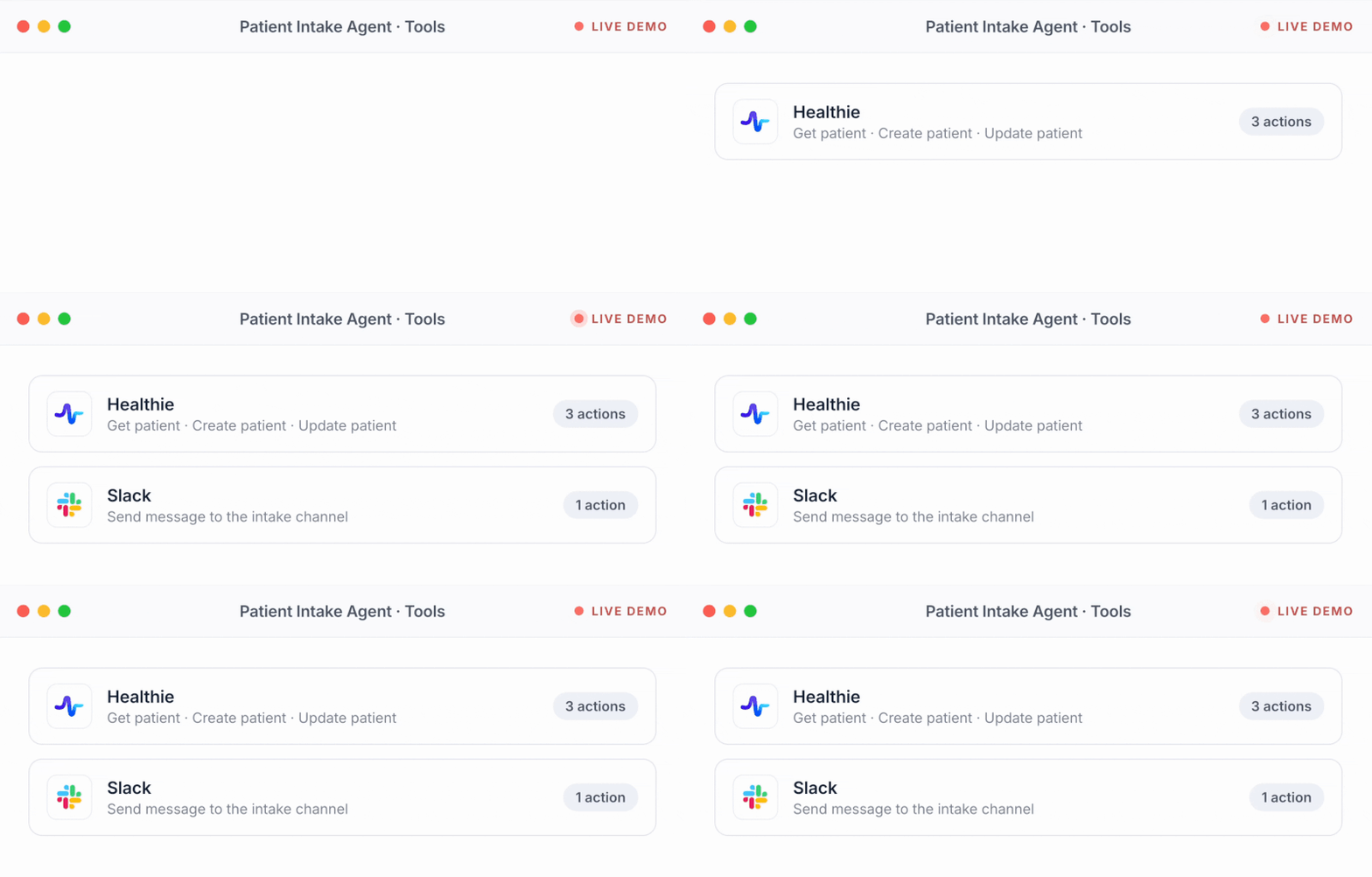
<div class="mk"><div class="mk-bar"><span class="mk-dots"><i></i><i></i><i></i></span><span class="mk-title">AI Receptionist Agent · Tools</span><span class="mk-live"><i></i>LIVE DEMO</span></div><div class="mk-body"><div class="mk-i " style="--d:0.15s"><div class="mk-row"><span class="mk-tile" style="background:#13223A">R</span><div class="mk-txt"><b>Retell AI</b><span>Voice · New call event · Get phone call</span></div><span class="mk-pill">2 steps</span></div></div><div class="mk-i " style="--d:0.50s"><div class="mk-row"><span class="mk-tile" style="background:#3A7D5C">H</span><div class="mk-txt"><b>Healthie</b><span>Get available slots · Create an appointment · Update appointment</span></div><span class="mk-pill">3 actions</span></div></div><div class="mk-i " style="--d:0.85s"><div class="mk-row"><span class="mk-tile" style="background:#2B7A8C">IQ</span><div class="mk-txt"><b>IntakeQ</b><span>Send questionnaire</span></div><span class="mk-pill">1 action</span></div></div><div class="mk-i " style="--d:1.20s"><div class="mk-row"><span class="mk-tile" style="background:#C2353F">T</span><div class="mk-txt"><b>Twilio</b><span>Send SMS confirmation</span></div><span class="mk-pill">1 action</span></div></div><div class="mk-i " style="--d:1.55s"><div class="mk-row"><span class="mk-tile" style="background:#4A154B">S</span><div class="mk-txt"><b>Slack</b><span>Send message to the front-desk channel</span></div><span class="mk-pill">1 action</span></div></div></div></div>
Set the guardrails
Step 3 · Set the guardrails
Visit types it can book, questions it can answer, when to get a person.
You decide what it may do, what it must never do, and which calls go straight to your team.
<div class="mk"><div class="mk-bar"><span class="mk-dots"><i></i><i></i><i></i></span><span class="mk-title">AI Receptionist Agent · Guardrails</span><span class="mk-live"><i></i>LIVE DEMO</span></div><div class="mk-body"><div class="mk-i " style="--d:0.15s"><p class="mk-label">Always</p></div><div class="mk-i " style="--d:0.50s"><div class="mk-rule "><span class="msym">check</span><span>Say you're an AI assistant, and put the caller through to a person whenever they ask.</span></div></div><div class="mk-i " style="--d:0.85s"><div class="mk-rule "><span class="msym">lock</span><span>Before changing a visit, text a code to the number on file and wait for it.</span></div></div><div class="mk-i " style="--d:1.20s"><p class="mk-label">Never</p></div><div class="mk-i " style="--d:1.55s"><div class="mk-rule never"><span class="msym">block</span><span>Tell a caller they're booked before Healthie has saved the appointment.</span></div></div><div class="mk-i " style="--d:1.90s"><p class="mk-label">Hand to a person</p></div><div class="mk-i " style="--d:2.25s"><div class="mk-rule warn"><span class="msym">warning</span><span>Symptoms or anything urgent: stop, transfer to the on-call line, post a summary.</span></div></div></div></div>
Test, then go live
Step 4 · Test with sample calls, then go live
Go live when the test calls sound right.
Call it yourself with the tricky cases and read exactly what it did. Then forward your line, after hours first if you like. Every action is logged for HIPAA audit.
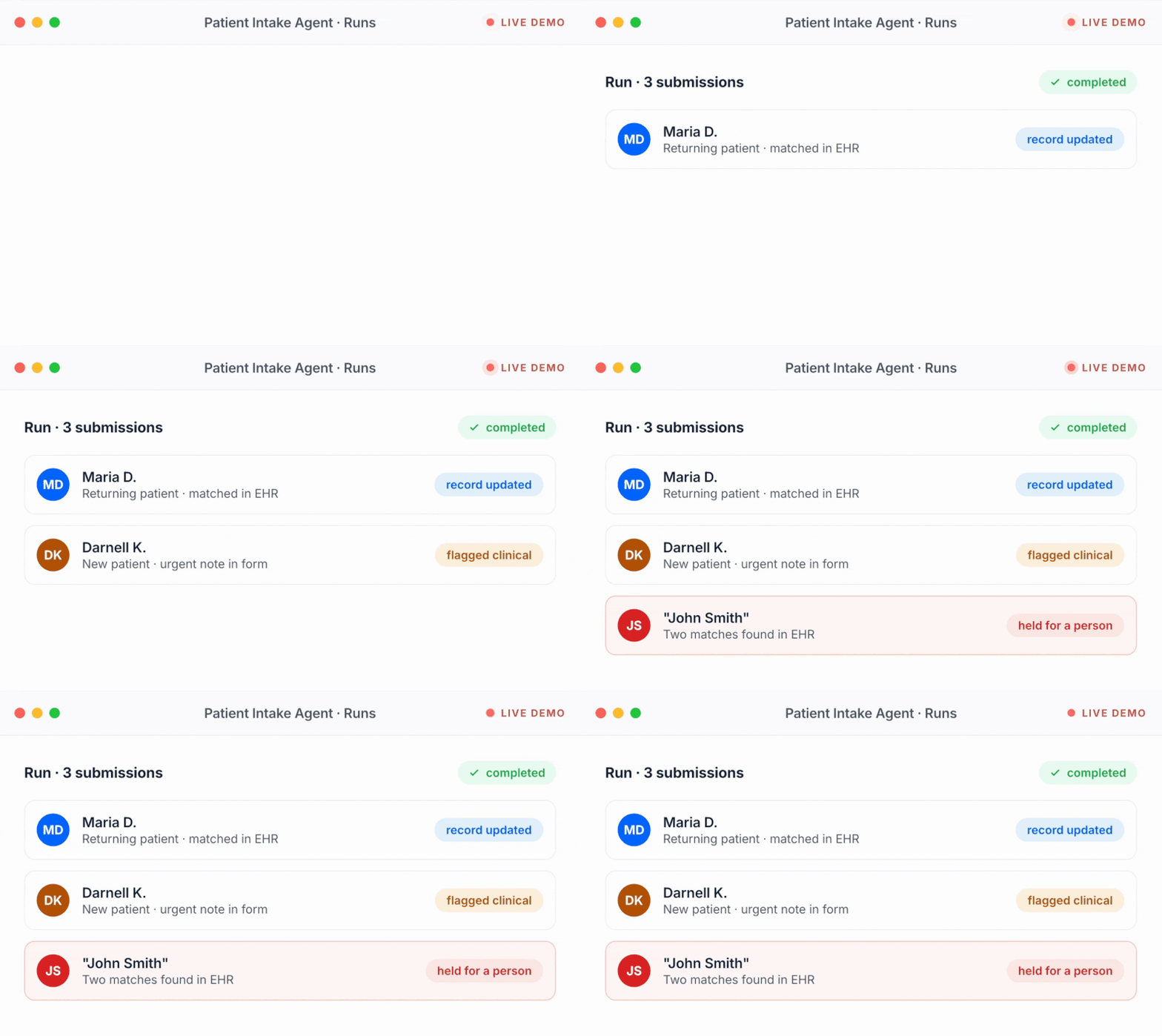
<div class="mk"><div class="mk-bar"><span class="mk-dots"><i></i><i></i><i></i></span><span class="mk-title">AI Receptionist Agent · Test calls</span><span class="mk-live"><i></i>LIVE DEMO</span></div><div class="mk-body"><div class="mk-i " style="--d:0.15s"><div class="mk-runhead"><b>Test run · 3 sample calls</b><span class="mk-pill ok"><span class="msym">check</span>completed</span></div></div><div class="mk-i " style="--d:0.50s"><div class="mk-row info"><span class="mk-av" style="background:#0066FF">JR</span><div class="mk-txt"><b>New patient · 7:40pm</b><span>Booked Thu 4:15pm in Healthie · intake forms sent</span></div><span class="mk-pill info">booked</span></div></div><div class="mk-i " style="--d:0.85s"><div class="mk-row ok"><span class="mk-av" style="background:#227D57">MW</span><div class="mk-txt"><b>Existing patient · switch to video</b><span>Identity checked by text code · visit updated</span></div><span class="mk-pill ok">visit updated</span></div></div><div class="mk-i " style="--d:1.20s"><div class="mk-row alert"><span class="mk-av" style="background:#B24E47">TC</span><div class="mk-txt"><b>Caller with chest pain</b><span>Scheduling stopped · transferred to on-call</span></div><span class="mk-pill alert">handed to a person</span></div></div><div class="mk-i " style="--d:1.55s"><p class="mk-foot">Every step of every call is in the log. Forward your number when the test run looks right.</p></div></div></div>

Connect your voice AI agent, your EHR and the rest of your tools to Keragon, then describe the job. The voice agent holds the conversation; Keragon does the work in your systems. HIPAA-compliant, even after hours.

How it works

From forwarded number to first answered call, same day

Describe the job and Keragon runs it end to end, connected to your practice management system, phones, forms and messaging, HIPAA-compliant, even after hours.

Step 1 · Describe what you need
Tell Keragon what you want, the way you would tell a teammate.
"Text back every missed call with a booking option, and send intake forms once the appointment is booked."
Step 2 · Connect your systems
Connect your practice management system, phones, forms and messaging.
Keragon works across the tools you already run, so calls, appointments and records stay in sync without re-typing.
Step 3 · Set the guardrails
Approved answers, clinical routing, quiet hours.
You set what Agents may say, what routes to a person, and when outreach is allowed to go out.
Step 4 · Test with sample data, then go live
Test with sample data, then run it around the clock.
Try it on sample data first. Every action is logged for HIPAA audit, and you can adjust anytime in plain English.

How it connects

Your voice AI agent talks. Keragon does the rest.

Bring the voice AI agent you choose. Keragon connects it to everything else.

Your voice AI agent

Retell AI
Bland
Vapi
ElevenLabs
Keragon logoKeragon
  • Live EHR access via Keragon MCP
  • Your rules, in plain English
  • HIPAA-compliant, BAA included

Your EHR

Healthie
Athenahealth
Elation
DrChrono
Tebra (Kareo)
ModMed
Open Dental

Your other tools

Twilio
IntakeQ / PracticeQ
Slack
RingCentral
Spruce Health

The alternatives

A voice AI agent can talk. Only one option finishes the job.

Voice AI agent only
Human answering service
Books into your EHR during the call
Only with a custom build
No, it takes a message
Knows your providers and openings
Only what's in its prompt
A generic script
Forms, texts and your other tools
One integration per tool
None
Available
24/7, every line at once
Business hours, or paid extra
BAA covers the whole chain
The call only
Varies by vendor
After the call
A transcript to handle
A message in your inbox
What you pay
Voice minutes + developer time
Per call or per minute

You still choose and pay for the voice AI agent. Keragon is what connects it to your EHR and the rest of your practice, and keeps your team on the calls that need judgement, empathy or clinical context.

Specialties

One receptionist, any specialty

Specialty changes the vocabulary, the appointment types and the escalation rules. The agent, the audit trail and the EHR connection stay the same.

Mental health

Clinicians are in session all day. It books consults, says it's an AI, and routes distress to a person under your protocol.

AI agents for mental health

Dental

Phones ring during chair time. It books hygiene and emergency visits straight into your practice software.

AI agents for dental practices

Med spa & aesthetics

Consult calls answered in seconds, consults booked and pre-visit forms sent while your team is with a client.

AI agents for med spas

Primary care

Sick visits, physicals and refill calls. It books the right visit type and sends anything clinical to your nurse line.

AI agents for primary care

Chiropractic

Adjustments booked between patients, new-patient exams scheduled, and intake forms sent before the first visit.

AI agents for chiropractors

Wellness & longevity

Consult and membership inquiries answered, first visits booked and intake sent while your team stays with clients.

AI agents for wellness clinics
Try it yourself

What should your receptionist handle first?

Pick a job or describe your own. It opens in Keragon with the agent drafted, ready to connect your voice AI agent and your EHR.

Oops! Something went wrong while submitting the form.

Text back a missed call and book the appointment

Text back a missed call and book the appointment

Answer an after-hours new patient call

Answer an after-hours new patient call

Turn a website form into a booked appointment

Turn a website form into a booked appointment

{"placeholder":"Answer calls after 6pm, book new-patient consults into our EHR, text the intake forms, and route anything about symptoms to the on-call line.","chips":[{"icon":"call","label":"Answer after-hours calls and book consults","prompt":"Create an AI receptionist agent for my practice that works with the voice AI agent I connect to answer calls after hours. It reads live availability in my EHR, books new-patient consults, texts a confirmation and the intake forms, and leaves my front desk a summary of every call by morning. Anything urgent goes to my on-call line. Ask me what you need: my EHR, my voice AI agent, my office hours and my visit types."},{"icon":"sms","label":"Text back every missed call within a minute","prompt":"Create an AI receptionist agent for my practice that texts back every missed call within a minute with an offer to book, answers the replies only from my approved answers, and books the visit in my EHR. If the caller is an existing patient, it checks who they are before changing anything. Anything clinical goes to my team. Ask me what you need: my EHR, my phone and texting tools, and my approved answers."},{"icon":"phone_forwarded","label":"Warm-transfer urgent calls to on-call with a summary","prompt":"Create an AI receptionist agent for my practice that works with the voice AI agent I connect and follows my escalation rules: when a caller mentions symptoms or anything urgent, it stops scheduling, transfers the call to my on-call line, and posts a summary for my clinical team. It never gives clinical advice and never decides on its own that a caller is fine. Ask me what you need: my voice AI agent, my on-call number and my escalation rules."}]}

The actual rules

This is what "in plain English" looks like

Your receptionist runs on instructions you can read, in your words. Here is part of a set from a practice we will call Northside.

description
Northside Family Practice · receptionist instructions
Excerpt

1 · Who you are

You are the receptionist for Northside Family Practice. Open every call by saying you are the practice's AI assistant and that the caller can ask for a person at any time.

2 · How to confirm

Never tell someone they are booked until the booking comes back confirmed. If it does not, say the request is pending and create a task for the front desk.

3 · Before you change anything for an existing patient

Text a code to the number on file and ask them to read it back. Until they do, do not confirm whether someone is a patient here.

4 · Never

Give clinical advice, discuss a diagnosis, quote a copay or coverage as a promise, or comment on how a caller sounds.

5 · What you can book

New-patient consults (30 min) and follow-ups (15 min), only with providers marked as accepting patients, only from availability you have just read. Offer at most three times.

6 · When to get a person

If the caller asks for one, or anything sounds urgent, stop what you are doing and follow the practice's escalation protocol.

The guardrails these rules create

  1. Always says it's an AI. One sentence here is the whole guardrail.
  2. Never says "booked" too early. Keragon waits for your EHR to save it.
  3. Checks who's calling. No code, no change.
  4. Stays out of medical questions. Anything clinical goes to your team.
Switch voice AI vendors, keep every rule. The rules live in Keragon, not in the voice platform, and every version is logged.

What it is

What does an AI receptionist for a healthcare practice do?

A short definition of an AI receptionist, and the moments it takes over the phone for your team.

What it does

It answers your practice's calls and texts, books and reschedules appointments directly in your EHR calendar, captures new-patient inquiries, sends intake forms, answers the questions your front desk repeats all day, and routes anything urgent or clinical to a person. Unlike a phone tree or a voicemail box, it holds a real conversation. Unlike a message-taking answering service, every call ends in an action inside your systems: a booked slot, an updated record, a form on its way. On Keragon, the conversation runs on the voice AI agent you choose, and Keragon connects it to your EHR and every other tool.

When it picks up

  • Every line at once, when the front desk is already on a call
  • After hours, evenings and weekends
  • Overflow only, or every ring: you set the schedule
  • Missed calls, so a text goes back within the minute
FAQ

The questions practice managers ask first

Straight answers, before you commit to anything.

What does an AI receptionist for a healthcare practice do?

It answers your practice's calls and texts, books and reschedules appointments directly in your EHR calendar, captures new-patient inquiries, sends intake forms, answers common questions like hours and insurance accepted, and routes urgent or clinical calls to a person. Unlike a voicemail box or a message-taking service, every call ends in an action inside your systems.

Does Keragon provide the voice AI?

No. Keragon does not have its own voice AI agent. You choose one, such as Retell AI, Bland.ai, Vapi or ElevenLabs, and connect it to Keragon. The voice agent holds the conversation. Keragon connects it to your EHR through Keragon MCP, so it can read availability and book in real time during the call, and to your intake, messaging and team tools. Keragon also runs the rules, the actions and the audit trail, so you can change voice vendors without rebuilding anything.

Is the whole call HIPAA-compliant, and do we get a BAA?

Keragon is HIPAA-compliant and SOC 2 Type II audited, with a BAA included on every paid plan. The voice vendor you connect signs its own BAA, and we help you confirm every link in the chain (telephony, voice AI, Keragon, EHR, messaging) before you go live. A BAA with one link is not coverage for the chain.

Does it book directly into our EHR, or just take a message?

It books. During the call, Keragon reads live availability and writes the appointment through the EHR's own integration: Healthie, athenahealth, Elation, DrChrono, Tebra, ModMed, IntakeQ, Open Dental, Charm Health and more. The receptionist says "you're booked" only after your EHR confirms the write.

Can we keep our phone number?

Yes. You forward your existing line, after hours only, on overflow, or every ring. Nothing changes for patients except that someone picks up.

Can it replace our after-hours answering service?

For the administrative half, yes: it answers, books into your EHR, takes and files messages, and pages your on-call line for anything urgent, on your existing number. Human answering services charge per call or per minute and end with a message someone has to type in; the receptionist ends with the booking already in the calendar. Clinical triage is never part of either.

How does it know when to transfer a call?

You write the rules and it follows them: symptoms, urgency, distress, a request for a person, or anything outside the jobs you approved stop the administrative flow and trigger your escalation protocol, usually a warm transfer with a summary. The agent never assesses risk itself.

Will patients know they are talking to an AI?

Yes. The receptionist discloses that it is an AI in its greeting and offers a person at any time. Several states now require that disclosure for AI in healthcare conversations; it is our default everywhere.

What happens if it cannot complete a request?

It says so, hands the caller to a person or takes a message under your rules, and creates a task for the team with the transcript. A booking that does not come back confirmed is reported as pending, never as done.

Does it replace our front-desk team?

No. It takes the repetitive volume: the third reminder call, the after-hours voicemail backlog, the same six questions. Your team keeps the calls that need judgement, empathy or clinical context, and gets a summary of everything the agent handled.

How long does setup take, and what does it cost?

Most practices go live the same day: connect your voice AI agent and your EHR to Keragon, describe the job, set the rules, run test calls, forward the number. Plans are public at keragon.com/pricing and every plan starts with a 14-day free trial, no credit card.

Built for healthcare front desks

Every call answered. Every booking in your EHR.

Connect your voice AI agent and your EHR, keep your phone number, keep your team in control. Your AI receptionist can be live today.

14-day free trial · no credit card · cancel anytime
Hipaa compliantSOC 2 Compliant