Build an AI scheduling agent that keeps your EHR calendar full
Connect your EHR and your texting tool to Keragon. The agent books from live availability, confirms every visit, rebooks no-shows and fills cancellations from your waitlist.
Your voice AI agent · the conversation
Keragon · in your systems
Illustrative call with synthetic names.
Trusted by 1,000+ healthcare teams across the US






The problem
Every empty slot is a visit your practice doesn't get back
- No-shows leave holes nobody fills A missed visit gets noticed after the fact, and nobody has time to call the patient back the same day.
- Cancellations beat the front desk to it The waitlist lives on a sticky note or a spreadsheet, and the slot is gone by the time someone calls round.
- Reminders go out and nobody reads the replies Patients text back to cancel or move their visit, and the schedule never changes.
What it handles
One agent across the life of an appointment
It books the visit, then keeps going: reminders, rebooked misses and filled cancellations, all in your EHR calendar.
Books new and existing patients
Matches visit type, provider, location and length, and only offers times it has just read from your calendar.
Reschedules and cancels
Changes the appointment in your EHR itself, then updates the reminders and forms that go with it.
Confirms and reminds
Texts at the times you set, reads every reply, and updates the appointment when a patient cancels or moves.
Recovers no-shows
Texts the patient the same day with real openings, rebooks the first yes, and hands over after the attempts you allow.
Fills cancellations from the waitlist
Offers the open slot to patients who opted in, in your priority order, and closes the other offers once one says yes.
Brings patients back for recall
Patients due for a follow-up, annual or hygiene visit get a text with real openings, booked straight into your calendar.
shieldGuardrails
It only tells a patient they're booked once your EHR has actually saved the appointment.
Every time it offers comes from a live read of your calendar. There is no second calendar to drift.
Before it moves or cancels an existing appointment, it confirms it's the patient on file.
If a patient mentions symptoms, it stops scheduling and sends the request to your clinical team. It never decides who is seen first.
Connect your EHR or scheduler and your texting tool to Keragon, then describe how scheduling works at your practice. The agent does the work in your calendar. HIPAA-compliant, around the clock.
From cancelled 11:00 to refilled 11:00, before lunch
Describe the job and Keragon runs it end to end, connected to your practice management system, phones, forms and messaging, HIPAA-compliant, even after hours.


How it connects
Your EHR calendar stays the source of truth
Keragon reads your schedule and writes every change back.
Your EHR or scheduler





 Keragon
- Live reads and writes to your calendar
- Your booking rules, in plain English
- HIPAA-compliant, BAA included
Patients, by text



Your team

The alternatives
A booking link takes the easy half. The agent takes the rest.
Keep your booking link if patients like it. The agent reads the same calendar and takes over where the link stops: the reply, the miss, the cancellation.
Specialties
The same scheduling agent, with the rules each practice needs
Recurring sessions, hygiene recall, treatment series, same-day sick visits: the rules change, the agent does not.

Mental health
Weekly session cadences and telehealth links, and no-show recovery that protects continuity of care.

Dental
Hygiene recall and six-month re-care, with ASAP-list backfill straight into your practice software.

Med spa & aesthetics
Consult-before-treatment rules and treatment-series bookings, matched to provider and room.

Primary care
Same-day sick visits, annual physicals and follow-ups, each booked as the right visit type.


What should your scheduling agent take over first?
Pick a job or describe your own. It opens in Keragon with the agent drafted, ready to connect your EHR and texting tool.

Text no-shows the same day with two real openings
Create a no-show recovery agent for my practice that notices a missed appointment in my EHR, texts the patient the same day with two real openings from my calendar, and rebooks the first one they accept. It tries twice over three days, then hands the patient to my front desk. Anything clinical goes to my team. Ask me what you need: my EHR, my texting tool and how many attempts I allow.

Fill cancellations from the waitlist
Create a waitlist agent for my practice that, when an appointment is cancelled in my EHR, offers the open slot by text to waitlisted patients who opted in, in my priority order, books the first yes, closes the other offers, and tells my front desk if the slot is still open two hours later. Ask me what you need: my EHR, where my waitlist lives and my texting tool.

Confirm every visit at 48 and 24 hours and read the replies
Create an appointment reminder agent for my practice that texts every patient 48 and 24 hours before their visit, reads the replies, confirms or cancels the appointment in my EHR, and flags anyone who has not replied by the morning of the visit to my front desk. It respects opt-outs and quiet hours. Ask me what you need: my EHR, my texting tool and my reminder schedule.
When a patient cancels, offer the slot to the waitlist in priority order, close the other offers when someone accepts, and text the forms.
The actual rules
This is what "in plain English" looks like
The agent runs on instructions you can read, in your words. Here is part of a set from a practice we will call Northside.
1 · What you can book
New-patient visits (30 min) and follow-ups (15 min), with providers marked as accepting patients, within the next 60 days, from availability you have just read. Offer at most three times.
2 · How to confirm
Never tell a patient they are booked until the booking comes back confirmed from the EHR. If it does not, say it is pending and create a task for the front desk.
3 · Reminders
Text 48 hours and 24 hours before every visit. If the reply is a cancellation, release the slot and start the waitlist. If there is no reply by the morning of the visit, flag the appointment to the front desk.
4 · No-shows
Fifteen minutes after a missed visit, text the patient with two real openings in the next 14 days. Try twice over three days, then hand the patient to the front desk.
5 · Waitlist
Only contact patients who opted in. Offer in the order the practice set, one at a time, with a 20-minute response window. Close the other offers as soon as someone accepts.
6 · Never
Decide how urgent a patient's problem is, quote a price or copay, or change an existing appointment without verifying identity.
What these rules make sure of
- Only real openings. Every offer comes from a live read of your calendar.
- Never says "booked" too early. Keragon waits for your EHR to save it.
- Reminders that read replies. A cancel reply starts the waitlist.
- No-shows get a second chance. Two tries, then a person.
Change a cadence by editing a sentence. Every run shows which version of the rules it followed.
What it is
What is an AI scheduling agent for a healthcare practice?
A short definition of an AI scheduling agent, and the moments it steps in on your calendar.
What it does
An AI scheduling agent turns appointment requests and scheduling events into a valid booking, a set of valid options, or a clear reason it could not finish. It reads live availability from your EHR or scheduler, applies your appointment types, provider and location rules, confirms the patient's choice, and writes the result back to the system you already run. It is more than a booking link because it can hold a conversation, work a waitlist, recover a missed visit and keep going after the booking: confirmations, reminders, forms. On Keragon, it books through your EHR's own integration, so there is no second calendar.
When it runs
- A patient calls, texts, or fills in a form
- A cancellation or no-show lands in your EHR
- A slot opens and the waitlist has consenting patients
- A reminder gets a reply, or no reply at all
Learn more before you switch anything on
Guides from the Keragon library, written for healthcare operations teams.
No-shows and reminders
FAQ
The questions scheduling teams ask first
Straight answers, before you commit to anything.
What is an AI scheduling agent?
An AI scheduling agent turns appointment requests and scheduling events into a valid booking, a set of valid options, or a clear reason it could not finish. It reads live availability from your EHR, applies your appointment-type, provider and location rules, confirms the patient's choice and writes the result to the system you already run. Then it keeps going: confirmations, reminders, no-show recovery, waitlist backfill.
How is this different from online booking software?
A booking link shows slots and takes a form. The agent holds a conversation across text, phone, forms and EHR events, applies multi-step rules, works a waitlist, recovers missed visits and explains why it could not complete a request. It also does not add a second calendar: it books through your EHR's own integration.
Does it replace our current scheduling system?
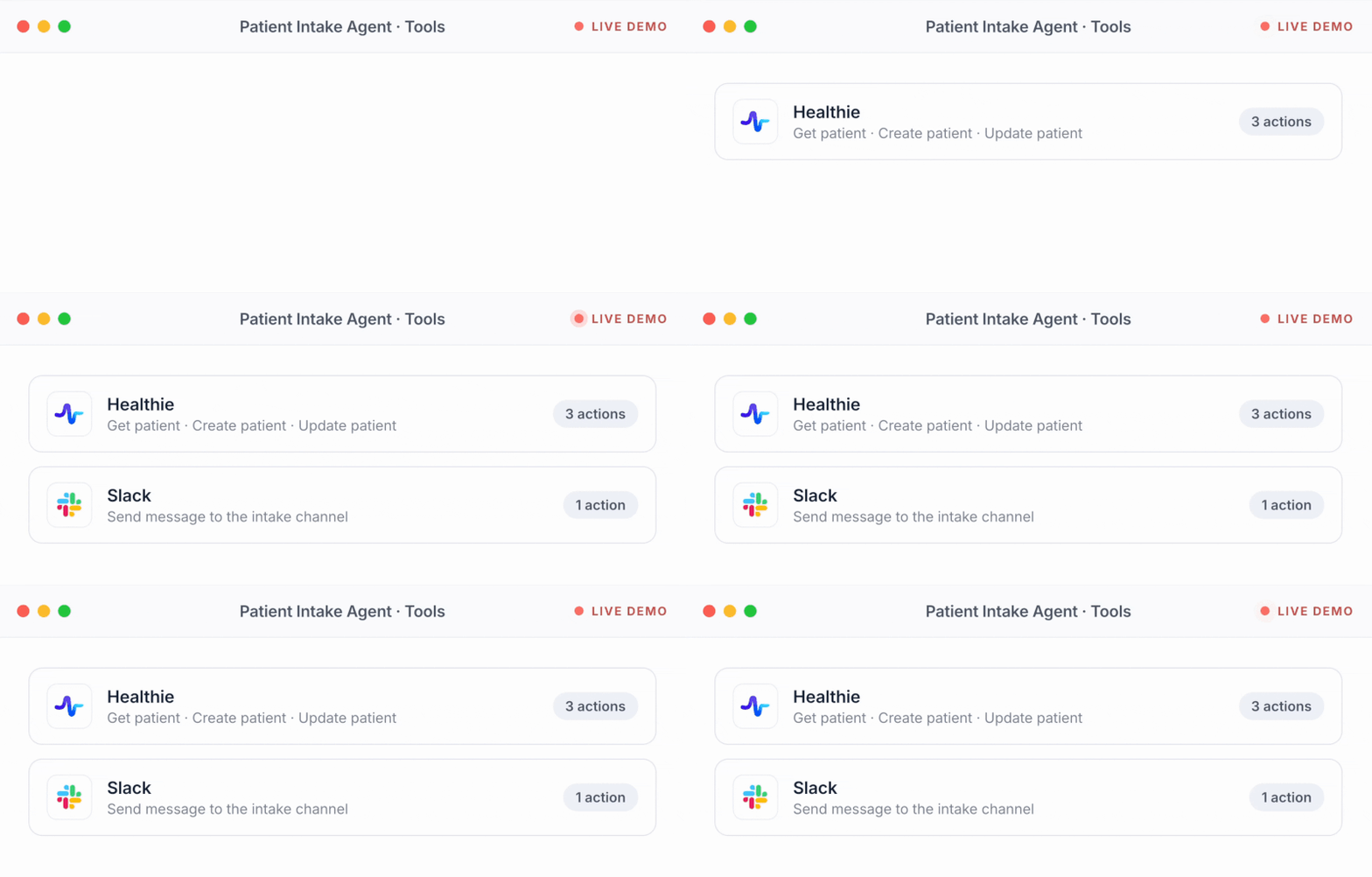
No. Your EHR or scheduler stays the source of truth. The agent reads availability from it and writes confirmed appointments back to it through the integration Keragon already has: athenahealth, Healthie, Elation, DrChrono, Tebra, ModMed, IntakeQ, Open Dental and more.
Can it book, reschedule and cancel appointments?
Yes, for the appointment types you approve, with the providers and locations you allow. Changes to an existing appointment happen only after the patient's identity is verified under your rules, and the agent says "booked" only after your EHR confirms the write.
Can it fill cancelled slots from a waitlist?
Yes. When a cancellation lands in your EHR, the agent offers the slot to waitlisted patients who consented to be contacted, in the priority order and response window you set, and closes the other offers as soon as one accepts.
What happens when there is no valid slot, or the rules conflict?
It says so. The patient hears the honest answer ("nothing in that window, here are the nearest options" or "the front desk will call you"), and your team gets a structured reason: no inventory, rule conflict, identity not verified. Nothing is written to the calendar.
Can it prioritize an urgent clinical request?
No, deliberately. If a patient mentions symptoms or urgency, the agent stops scheduling and routes the request to your clinical team with the context. Deciding who needs to be seen first is a human call.
Which EHRs and schedulers does it work with?
Any of the 50+ EHRs and schedulers Keragon connects with an appointment-create action, including athenahealth, Healthie, Elation, DrChrono, Tebra, ModMed, IntakeQ, Open Dental, Charm Health, Acuity Scheduling, Zocdoc and NexHealth. The full list is at keragon.com/all-integrations.
Is it HIPAA-compliant?
Yes. Keragon is HIPAA-compliant and SOC 2 Type II audited, with a BAA included on every paid plan. Patient outreach honors consent and opt-outs.
How long does setup take, and what does it cost?
Most practices go live the same day: describe the job, connect the EHR and the messaging tool, set the rules, test on sample data, switch on one appointment type. Plans are public at keragon.com/pricing and every plan starts with a 14-day free trial, no credit card.
Built for healthcare scheduling teams
Fewer empty slots. No new calendar to manage.
Start with one appointment type and keep the schedule in your EHR. Your AI scheduling agent can be live today.
14-day free trial · no credit card · cancel anytime