


AI in Healthcare
8 mins
New client onboarding for a counseling practice: what to send, and when
Summary
Your Competitors Are Embracing AI – Are You Falling Behind?
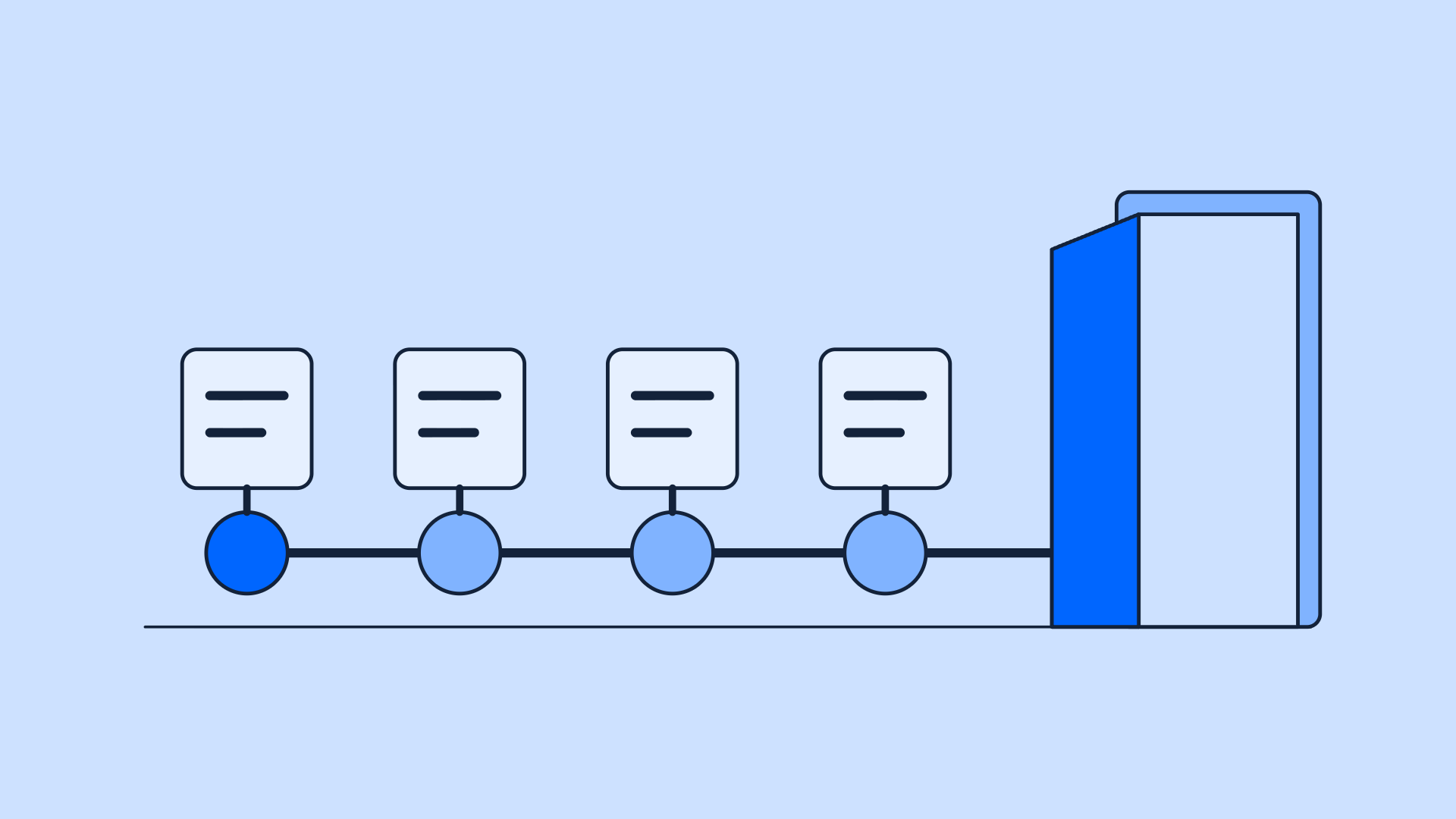
A counseling onboarding sequence runs from booking to the first session in four touches: a warm confirmation with practical details; the intake and consent paperwork with a due date; a reminder about anything outstanding; and a session-day note on how to arrive or connect. Sending it automatically ensures the first session starts with therapy rather than admin.
TL;DR
- Four touches between booking and session one, each with a job, and nothing extra.
- Paperwork lands with a due date and a single link, not a hope and an attachment bundle.
- One reminder, not five, and it only fires when something is genuinely outstanding.
- The tone matters more here than anywhere else in the practice: this sequence lands in the inbox of someone who just decided to start therapy.
- Keragon sends the sequence from the booking event without code, stops it when it should, and keeps a person in front of anything unusual.
What should happen between booking and the first session?
The gap between "they booked" and "they showed up prepared" is where new clients quietly leak. Paperwork is chased by hand, the same information is typed twice, and the first session opens with 15 minutes of admin instead of therapy. The fix is a short, deliberate sequence, four touches, each doing one job:
Touch 1: the confirmation that reduces first-session anxiety
Booking therapy takes effort, and the hours after booking are when second thoughts move in. The confirmation's job is to make the decision feel safe. Include, in plain language: who they will be seeing, when and for how long, exactly where to go or how to connect, what a first session is actually like, what it costs and how payment works, the cancellation policy stated kindly, and a real way to reach the practice with questions.
Two details do disproportionate work. Describing the first session ("we'll talk about what brings you in, and there's no preparation needed") converts an unknown into a plan. And stating the cancellation policy here, warmly, is what makes it fair later; the no-show playbook covers why the policy agreed at booking outperforms every reminder sent afterward. This message is a welcome, not a calendar receipt, and it should read like one.
The register, in one synthetic excerpt: "Hi Maya, I’m really glad we found a time. We’re meeting Tuesday, March 4th at 3 pm at the Elm Street office; parking is available behind the building. The first session is simply a conversation about what brings you in, and there’s nothing to prepare. I’ll send the intake paperwork separately; if any question comes up before Tuesday, just reply here." Specific, warm, and it answers the anxieties before they are asked.
Touch 2: paperwork that gets completed
The packet: the intake form, informed consent, practice policies, payment authorization, and, for self-pay clients, the Good Faith Estimate. Send it as a single link with a clear due date a few days before the session, not as a bundle of attachments; one link with progress saved beats five PDFs in every measurable way, completion rate first among them.
Why before the session, said plainly to the client too: collecting the paperwork early protects the session. The clinician reads the intake before meeting them; the consent conversation starts with a signed document rather than a cold form; and the fifty minutes belong to the work. A due date turns "whenever you get a chance" into a small, kind commitment.
One boundary on content: keep clinical detail out of email entirely. The email carries the link; the secure form carries the history. That split is both the compliant design and the comfortable one, because nobody should be writing their story into an email thread.
Touch 3: the one reminder
If anything is still outstanding two days before the due date, one nudge goes out, naming only the missing items, with the same single link. That is the whole touch. If it is still incomplete after that, a person follows up, because a fourth automated email has nothing left to say and a brief human message ("want a hand with the forms, or would it be easier to do the last one together before we start?") solves what automation cannot: the client who is stuck, confused, or wavering.
The reminder itself, in the register that works: "Hi Maya, just a gentle note before Tuesday: the consent form and payment authorization are still waiting for you at the same link. It takes about five minutes, and having it done means our entire first session is yours. See you soon." It names what is outstanding, gives a reason that serves the client, and asks once.
Touch 4: the session-day note
Short and practical: the telehealth link or the address and parking, what to bring if anything, and one line of reassurance. For telehealth, this note quietly eliminates the technical no-show, which is its own category of missed first session. It should take ten seconds to read and leave the client with nothing to figure out.
For telehealth, in full: "Hi Maya, looking forward to today at 3 pm. Here’s your video link; it works best in Chrome, and joining a couple of minutes early gives the connection a moment to settle. Somewhere private and comfortable is all you need. See you at 3."
Pre-built templates. HIPAA compliant. No developers needed.Start your free trial today.
What the sequence buys, on both sides of the room
For the client, the dividend is a first session that starts with therapy: they walk in, known, expected, and free of forms, which is a materially different beginning than fifteen minutes of clipboard work. For the clinician, the intake arrived days ago and was read with coffee rather than skimmed in the doorway, the payment conversation already happened in writing, and the session’s fifty minutes are actually fifty minutes. For the practice, every touch was logged: who was sent what, when, and what came back, which is the record-keeping nobody does by hand, and everyone is glad to have later.
Adapting it is mostly a matter of swapping details, not structure. Telehealth practices weigh touch 4 toward the technology; in-person practices weigh it toward arrival logistics. Group practices merge the clinician’s name and photo into touch 1, which softens the "who am I meeting" anxiety that solo practices rarely consider. Couples and family work multiply the paperwork per adult, while the sequence logic remains identical. The four-touch skeleton survives every variant, which is exactly why it is worth templating once and reusing.
The onboarding sequence template
Downloadable asset
New-client onboarding email and text sequence for counseling practices: all four touches written out and editable, plus a one-page checklist. Ships with synthetic client details, labeled synthetic.
The tone rule for every template, stated once and meant everywhere: warm, not flat. These messages are read by someone who has just done something hard. Read each one aloud before shipping it, and cut anything that sounds machine-written, transactional, or like a system talking. If a sentence would sound strange said across a desk to a nervous new client, it does not belong in the sequence.
How to send it automatically without it feeling automated
What makes an automated sequence feel automated is not that a system sent it; it is that the system did not notice. The third reminder for a form completed yesterday. The generic greeting on a message that claims to be personal. The sequence that keeps running after the client rescheduled. The fix is completion detection: the sequence watches its own state and stops when it should.
Workflow diagram
- The booking event triggers the sequence, and the confirmation goes out with the practice's details merged in
- The paperwork link is personalized to the client and the packet their situation needs, self-pay clients getting the Good Faith Estimate automatically
- Completion is detected item by item, so the reminder fires only for what is genuinely outstanding, and never fires at all for the client who finished same-day
- Completed forms route into the EHR or records, and the clinician gets the intake ahead of the session
- Anything unusual- a stalled packet, a reply with a question, a disclosure in a form- goes to a person, and the automated sequence steps back
That last step carries the whole design: human in front, automation behind, and the automation's best feature is knowing when to stop. Keragon runs this sequence from the booking event without code, with completion detection, a BAA on every paid plan and a 14-day free trial, feeding the same patient intake automation layer the rest of the practice runs on; see Keragon Workflows and Agents. And the sequence begins where inquiry capture ends: a practice that also runs the directory inquiry pattern has automation from first contact to first session, with a person at every moment that matters.
What not to automate here
Three things, as policy. In any clinical conversation, no automated message discusses what the client is coming in for. The response to anything a client discloses: if an intake answer needs clinical judgment, a clinician sees it promptly, and no template replies to it. And anything that reads as a decision about the client rather than logistics for them.
On consent specifically, this article describes what the packet contains, not what your consent must say: consent content is state-regulated and clinician-determined, so build yours with your board's guidance and your attorney. That is not a disclaimer for its own sake; it is the boundary between operations advice, which this is, and legal advice, which it is not.
FAQ
What should a therapy welcome packet include?
The intake form, informed consent, practice policies including cancellation, payment authorization, and a Good Faith Estimate for self-pay clients, delivered as one link with a due date. The welcome message around it carries the practical details: who, when, where, or how to connect, cost, and what the first session is like.
How far ahead should intake paperwork be sent?
Immediately after booking, with a due date a few days before the session. Sending it when motivation is highest and collecting it before the session protects the first 50 minutes for the actual work.
What if a client does not complete the paperwork?
One automated reminder two days before the due date, naming only what is outstanding. After that, a person reaches out with a brief, warm message offering help. Persistent incompletion is information, not a nagging problem, and it belongs with a human.
Can consent forms be signed electronically?
Electronic signature is standard practice for therapy intake packets, through HIPAA-compliant forms tooling with a BAA. What the consent must contain is a separate question, set by your state and your board; have your attorney confirm your documents, then let the delivery and signature run electronically.
Is emailing intake paperwork HIPAA-compliant?
Done properly, yes: the email includes a link to a secure, BAA-covered form, and the sensitive content resides in the form rather than in the message. Every tool in the chain, including the automation layer, needs a signed business associate agreement (HHS publishes sample BAA provisions that show what it covers), and clinical details stay out of email entirely.
How many onboarding emails is too many?
More than the four touches and the sequence starts costing goodwill. The design principle is that every message either delivers something or requests something specific, and the reminder only exists when something is genuinely outstanding. A client who completes everything on day one should receive exactly three messages.
Should onboarding differ for couples or family clients?
The structure holds; the packet multiplies. Each adult completes their own intake and consent, the confirmation addresses everyone attending, and the scheduling and cost details reflect the session type. The sequence logic is identical, which is exactly why it automates cleanly for these cases too.
Can onboarding be automated without a developer?
Yes. The sequence runs on no-code automation triggered by the booking event, with completion detection deciding what fires and what stays silent. The practice supplies the templates and the packet; the wiring is configuration.
What should never be automated in client onboarding?
The clinical conversation, the response to anything a client discloses, and anything that reads as a decision about them. If an intake response raises a clinical question, a clinician sees it and a person replies. Automation moves logistics; people hold the relationship.
For the rest of the segment playbook, from inquiry capture to no-shows to eligibility, start at the mental health automation hub.


Related Articles
.png)
